Overall Scores
Overall Scores shows competency averages and ranks for the selected Focus Area, with optional breakdowns by constituency.
Accessing Overall Scores
- Log in and select an account.
- Open a Focus Area in the sidebar (for example FAMILY DYNAMICS).
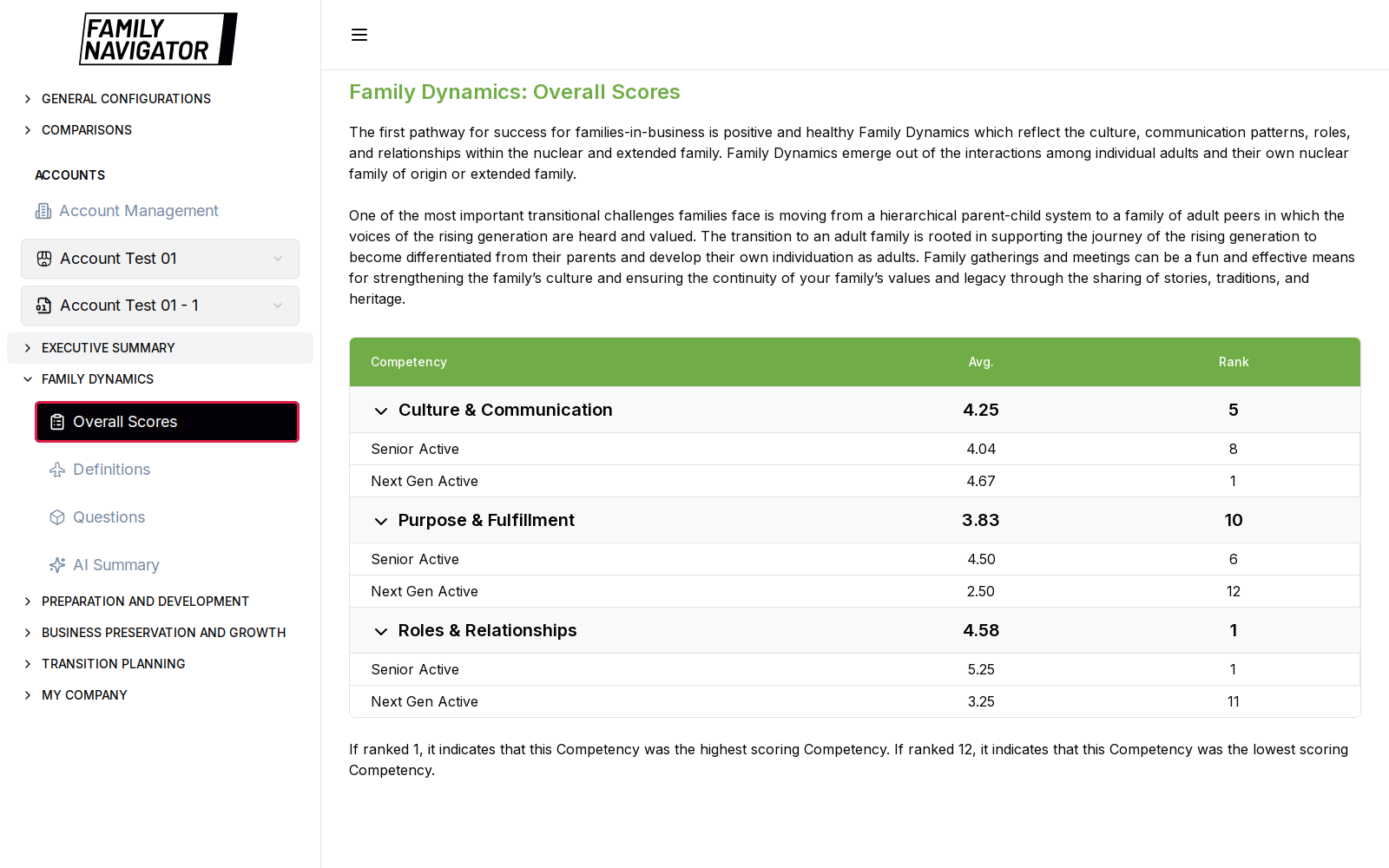
- Click Overall Scores (outlined in red in the screenshot).
What You See
- Focus Area heading (for example Family Dynamics: Overall Scores) and introductory pathway text.
- A table with columns such as Competency, Average, and Rank.
- Expandable competency rows (chevron). Expanding a row reveals constituency-level averages for that competency.
Example Family Dynamics competencies:
- Culture & Communication
- Purpose & Fulfillment
- Roles & Relationships
How to Use
- Scan averages and ranks to identify weaker competencies.
- Expand a competency to compare constituencies.
- Continue to Questions or AI Summary for narrative context.
Notes
- The same layout applies to Preparation, Business Preservation, and Transition Planning—only the competency set and accent color change.
- Requires questionnaire / uploaded data for the selected account.